
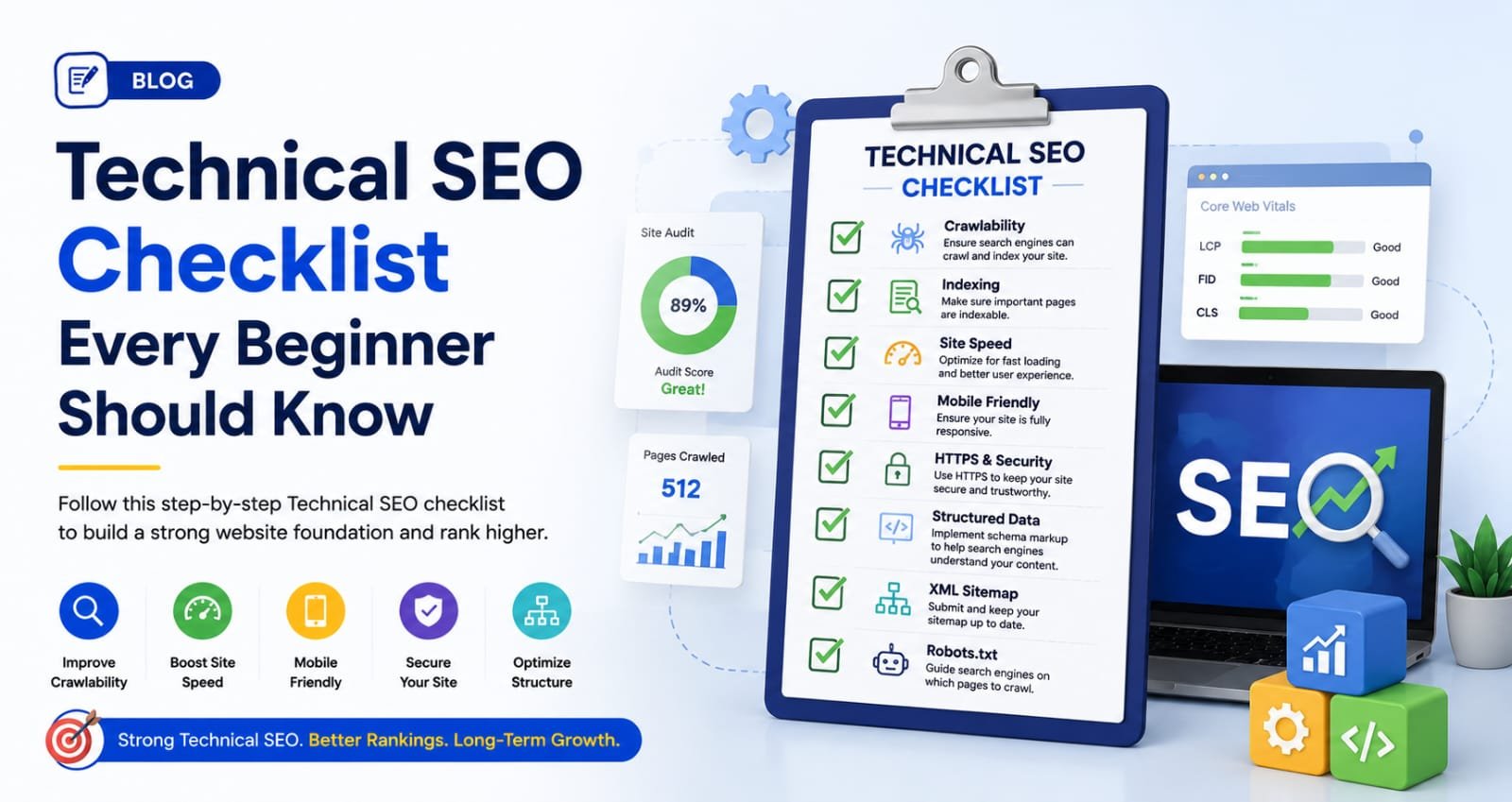
Technical SEO Checklist Every Beginner Should Know in 2026
Learn the complete Technical SEO Checklist for Beginners. Improve website speed, indexing, security, mobile SEO, and rankings in 2026.
Technical SEO Checklist Every Beginner Should Know in 2026
Technical SEO Checklist for Beginners is one of the most important foundations for improving website visibility, search engine rankings, and user experience. Whether you own a business website, blog, or eCommerce store, understanding technical SEO can help your website perform better in search engines and attract more organic traffic.
What is Technical SEO?
Technical SEO refers to the process of optimizing a website's technical elements so that search engines can efficiently crawl, index, and rank its pages. Unlike content SEO and off-page SEO, technical SEO focuses on website structure, speed, security, and overall performance.
A technically optimized website helps search engines understand your content while providing a seamless experience for users.
Why Technical SEO Matters in 2026
Search engines are becoming smarter every year. Google's algorithms now prioritize websites that offer fast loading speeds, mobile-friendly designs, secure browsing, and excellent user experiences.
Benefits of technical SEO include:
-
Improved search engine rankings
-
Faster website loading speed
-
Better user experience
-
Increased organic traffic
-
Higher conversion rates
-
Better crawlability and indexing
Technical SEO Checklist Every Beginner Should Follow
1. Ensure Your Website is Mobile-Friendly
Most users access websites through smartphones. A mobile-friendly website is essential for SEO success.
Checklist:
-
Responsive design
-
Mobile-friendly navigation
-
Fast loading on mobile devices
-
Readable font sizes
-
Proper spacing between elements
Google uses mobile-first indexing, meaning it primarily evaluates the mobile version of your website.
2. Improve Website Loading Speed
Page speed is a critical ranking factor. Slow websites lead to higher bounce rates and lower rankings.
Ways to improve speed:
-
Compress images
-
Use browser caching
-
Minify CSS and JavaScript files
-
Enable GZIP compression
-
Use a Content Delivery Network (CDN)
You can test your website speed using Google's PageSpeed Insights.
3. Secure Your Website with HTTPS
Website security is important for both users and search engines.
Checklist:
-
Install an SSL certificate
-
Redirect HTTP to HTTPS
-
Fix mixed-content issues
-
Regularly update security settings
HTTPS builds trust and is a confirmed Google ranking factor.
4. Create and Submit an XML Sitemap
An XML sitemap helps search engines discover important pages on your website.
Benefits:
-
Faster indexing
-
Better crawlability
-
Improved visibility for new pages
Submit your sitemap through Google Search Console for optimal results.
5. Optimize Robots.txt File
The robots.txt file tells search engines which pages they can or cannot crawl.
Best practices:
-
Allow important pages
-
Block duplicate content pages
-
Reference your XML sitemap
-
Regularly review settings
Incorrect robots.txt configurations can prevent pages from appearing in search results.
6. Fix Broken Links
Broken links create a poor user experience and waste crawl budget.
Regularly check:
-
Internal links
-
External links
-
Image links
-
Redirect chains
Tools such as Screaming Frog can help identify broken URLs.
7. Optimize URL Structure
SEO-friendly URLs help both users and search engines understand page content.
Good URL example:
yourwebsite.com/technical-seo-checklist
Avoid:
-
Long URLs
-
Random numbers
-
Special characters
Keep URLs short, descriptive, and keyword-focused.
8. Improve Core Web Vitals
Core Web Vitals measure user experience performance.
Key metrics include:
Largest Contentful Paint (LCP)
Measures loading performance.
Interaction to Next Paint (INP)
Measures responsiveness.
Cumulative Layout Shift (CLS)
Measures visual stability.
Improving these metrics can positively impact rankings and user satisfaction.
9. Fix Duplicate Content Issues
Duplicate content can confuse search engines and reduce ranking potential.
Solutions:
-
Use canonical tags
-
Implement proper redirects
-
Avoid duplicate product pages
-
Consolidate similar content
Regular audits help identify duplicate content issues.
10. Optimize Website Architecture
A clear website structure improves navigation and crawlability.
Best practices:
-
Create logical categories
-
Use internal linking
-
Maintain shallow page depth
-
Build user-friendly navigation menus
Good architecture ensures important pages are easily accessible.
Common Technical SEO Mistakes Beginners Make
Many beginners unknowingly hurt their SEO efforts by making technical mistakes such as:
-
Ignoring mobile optimization
-
Using slow hosting services
-
Not submitting XML sitemaps
-
Blocking pages in robots.txt
-
Having multiple versions of the same page
-
Neglecting website security
Avoiding these mistakes can significantly improve website performance.