
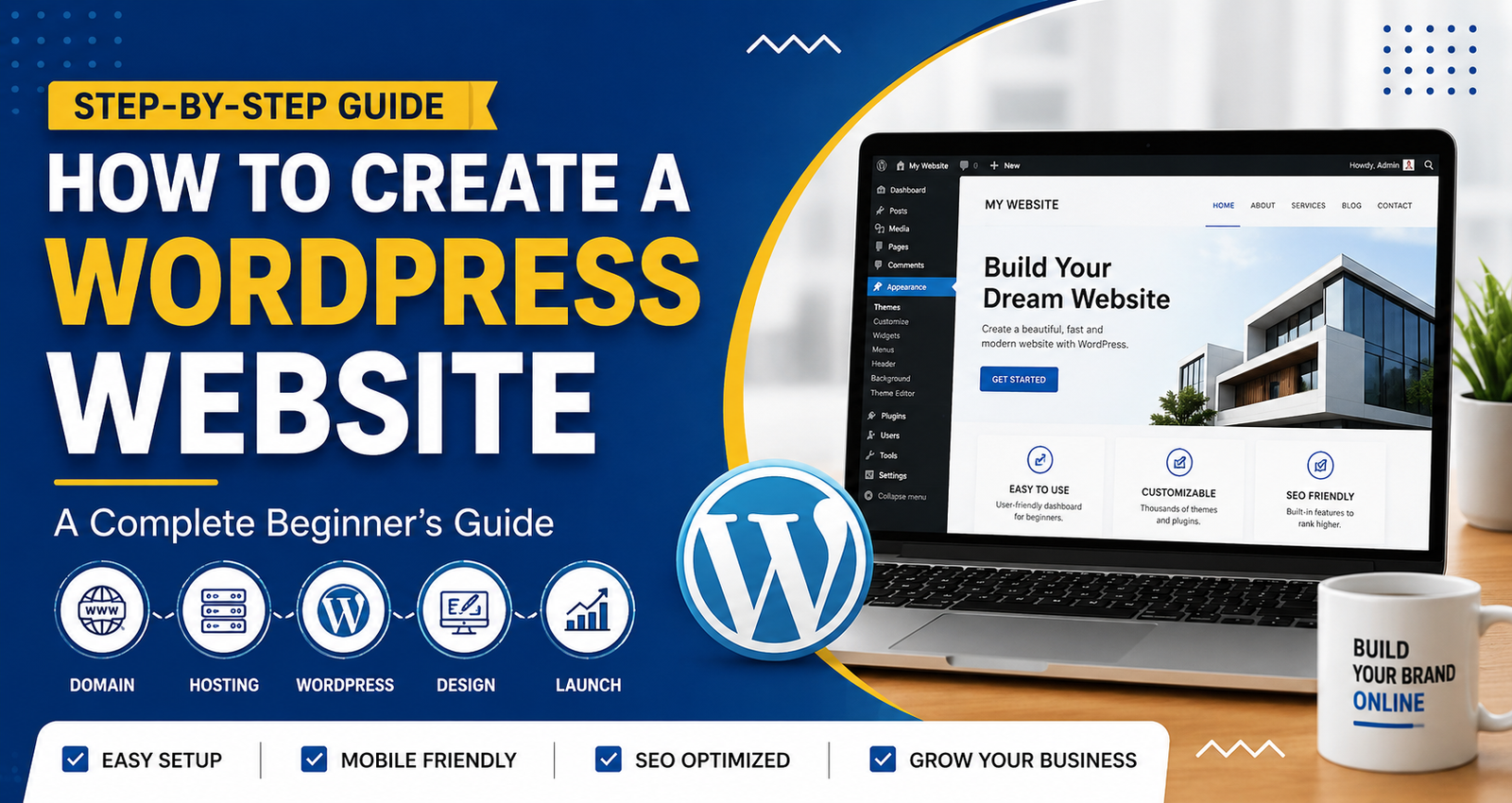
How to Create a WordPress Website: A Complete Beginner's Guide
Learn how to create a WordPress website step by step. Choose hosting, install WordPress, customize your site, and optimize it for SEO.
How to Create a WordPress Website: A Complete Beginner's Guide
How to create a WordPress website is one of the most searched questions among business owners, students, freelancers, and entrepreneurs who want to establish a strong online presence. WordPress is the world's most popular content management system (CMS), powering over 40% of all websites on the internet.
The platform is user-friendly, highly customizable, and suitable for blogs, business websites, portfolios, and eCommerce stores. In this guide, you will learn how to create a WordPress website from scratch, even if you have no technical knowledge.
Why Choose WordPress?
Before learning how to create a WordPress website, it is important to understand why WordPress is the preferred choice for millions of users worldwide.
Benefits of WordPress
- Easy to use for beginners
- SEO-friendly structure
- Thousands of themes and plugins
- Mobile-responsive designs
- Secure and scalable
- Cost-effective website solution
- Large support community
These advantages make WordPress the ideal platform for building a professional website.
1: Choose a Domain Name
A domain name is your website's address on the internet.
Examples:
- yourbusiness.com
- yourbrand.in
- yourcompany.net
Tips for Selecting a Domain Name
- Keep it short and memorable
- Use your brand name whenever possible
- Avoid numbers and special characters
- Choose a trusted extension such as .com or .in
A professional domain name helps improve credibility and brand recognition.
2: Purchase Reliable Web Hosting
Web hosting stores your website files and makes them accessible to visitors online.
Features to Look for in Hosting
- Fast loading speed
- High uptime guarantee
- Free SSL certificate
- Strong security features
- Excellent customer support
- Easy WordPress installation
Popular hosting providers include Bluehost, Hostinger, and SiteGround.
Reliable hosting plays a major role in website performance and search engine rankings.
3: Install WordPress
Most hosting providers offer one-click WordPress installation.
Installation Process
- Log in to your hosting account.
- Open the hosting control panel.
- Select the WordPress Installer.
- Enter your website details.
- Complete the installation process.
Once installed, you can access your WordPress dashboard through:
yourdomain.com/wp-admin
You now have the foundation of your website ready.
4: Select a Professional Theme
A WordPress theme determines your website's appearance and layout.
Factors to Consider When Choosing a Theme
- Mobile responsiveness
- Fast loading speed
- SEO optimization
- Modern design
- Regular updates
- Customization options
Popular WordPress themes include:
- Astra
- GeneratePress
- Kadence
- OceanWP
Selecting the right theme ensures a professional and user-friendly experience
5: Install Essential Plugins
Plugins add functionality and improve your website's performance.
Recommended Plugins
SEO Plugin
- Rank Math SEO
- Yoast SEO
Security Plugin
- Wordfence Security
Performance Plugin
- WP Rocket
- LiteSpeed Cache
Contact Form Plugin
- Contact Form 7
Plugins help optimize your website for security, speed, and search engine visibility.
6. Create Important Website Pages
Every professional website should have the following pages:
Home Page
The main page that introduces your brand, products, or services.
About Us Page
Provides information about your company, mission, and team.
Services Page
Highlights the services you offer.
Blog Page
Allows you to publish educational and informative content.
Contact Page
Makes it easy for visitors to get in touch with you.
Creating these pages improves user experience and website credibility.
7.Optimize Your Website for SEO
Search Engine Optimization (SEO) helps your website rank higher on search engines like Google.
On-Page SEO Best Practices
Keyword Optimization
Use your target keywords naturally throughout your content.
Optimize Meta Tags
Create compelling:
- Meta titles
- Meta descriptions
- URL structures
Use Proper Heading Structure
Organize content using:
- H1 for the main title
- H2 for major sections
- H3 for subsections
Optimize Images
Compress images and add descriptive alt tags.