
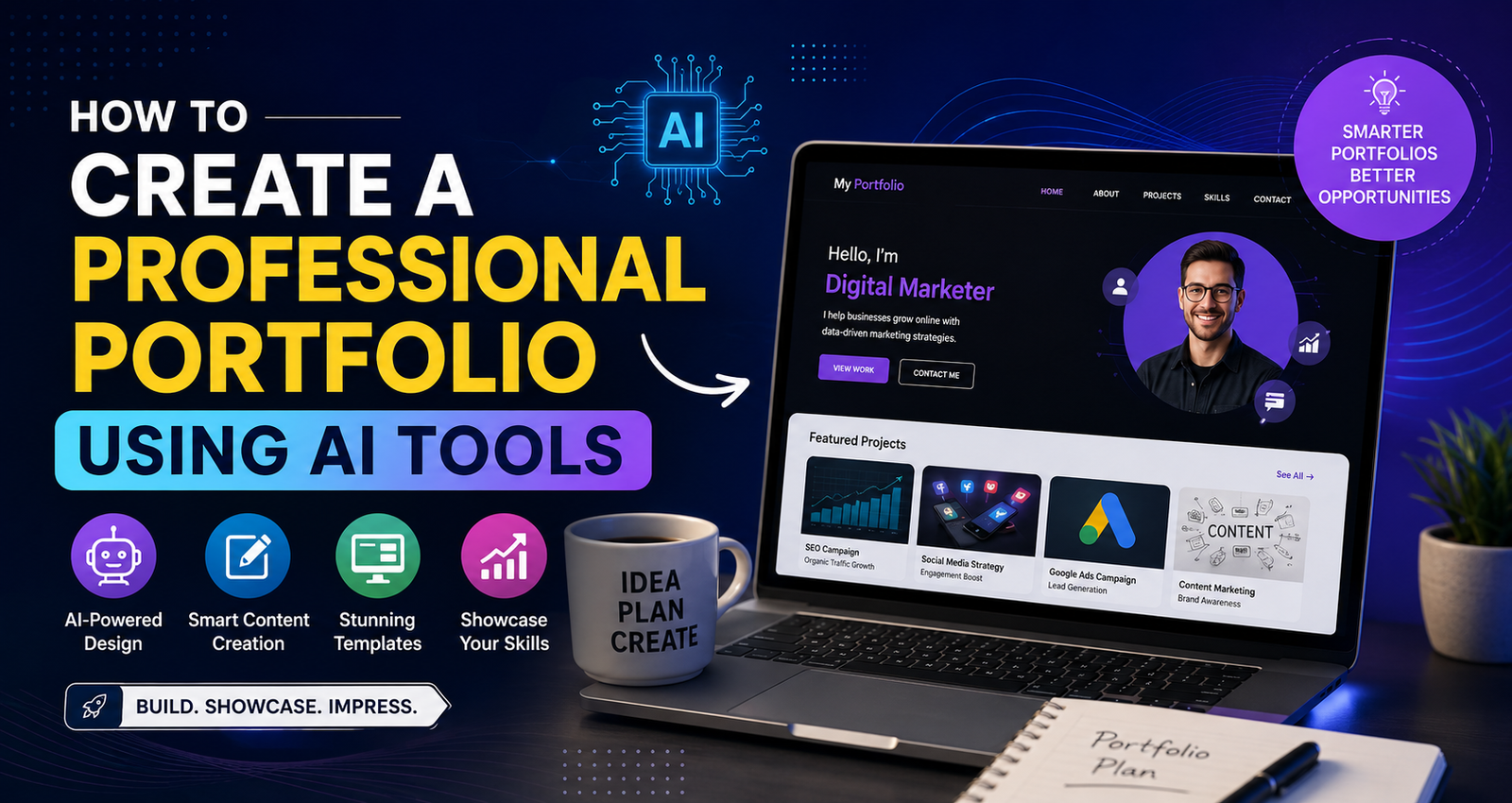
How to Create a Professional Portfolio Using AI Tools
Learn how to create a professional portfolio using AI tools. Discover the best AI platforms, portfolio tips, SEO strategies, and examples.
How to Create a Professional Portfolio Using AI Tools
How to Create a Professional Portfolio Using AI Tools
Professional Portfolio Using AI Tools is becoming one of the most searched topics among students, freelancers, digital marketers, designers, and job seekers. In today's competitive market, having a professional portfolio is no longer optional. Employers and clients want to see your skills, projects, achievements, and experience before making a hiring decision.
The good news is that AI tools have made portfolio creation easier, faster, and more effective than ever before. You no longer need advanced design skills or expensive software to build an impressive portfolio. With the help of AI-powered platforms, you can create a visually appealing and professional portfolio within a few hours.
In this blog, you will learn how to create a professional portfolio using AI tools, which AI tools to use, and how to optimize your portfolio for better career opportunities.
Why a Professional Portfolio Matters
A professional portfolio acts as your digital resume. It showcases your expertise, work samples, achievements, certifications, and projects in a structured format.
Benefits of a professional portfolio include:
-
Builds credibility and trust
-
Highlights practical skills
-
Helps attract clients and recruiters
-
Creates a strong personal brand
-
Improves job and freelance opportunities
Whether you are a digital marketer, graphic designer, content writer, developer, or student, a portfolio helps you stand out from the competition.
What Are AI Portfolio Creation Tools?
AI portfolio tools use artificial intelligence to automate design, content creation, layout suggestions, image generation, and portfolio optimization.
These tools can help you:
-
Generate professional portfolio layouts
-
Create content descriptions
-
Design attractive visuals
-
Improve portfolio presentation
-
Optimize user experience
AI tools save time while maintaining a professional appearance.
1: Define Your Portfolio Goal
Before creating a professional portfolio using AI tools, identify your objective.
Ask yourself:
-
Are you looking for a job?
-
Do you want freelance clients?
-
Are you building a personal brand?
-
Do you want to showcase academic projects?
Your goal will determine the structure and content of your portfolio.
For example:
Job Seekers
Focus on skills, projects, certifications, and achievements.
Freelancers
Showcase client work, testimonials, and case studies.
Students
Include internships, assignments, certifications, and personal projects.
2: Choose the Right AI Tool
Several AI-powered platforms can help create a professional portfolio.
Canva AI
Canva AI offers ready-made portfolio templates, AI-generated designs, and content suggestions.
Best for:
-
Beginners
-
Students
-
Marketers
ChatGPT
ChatGPT helps generate:
-
Portfolio descriptions
-
Project summaries
-
About Me sections
-
Professional bios
Adobe Express AI
Adobe Express provides AI-powered templates and creative design features.
Wix AI
Wix AI automatically creates websites and portfolio pages based on your requirements.
Notion AI
Notion AI helps organize projects and create clean portfolio structures.
3: Create a Strong Personal Introduction
Your introduction is the first thing visitors will see.
Include:
-
Your name
-
Profession
-
Skills
-
Experience
-
Career objective
Example:
"I am a Digital Marketing Professional specializing in SEO, Social Media Marketing, Performance Marketing, and Content Strategy. I help businesses improve their online presence and generate quality leads through data-driven marketing strategies."
AI tools can generate multiple professional introductions instantly.
4: Showcase Your Best Projects
Projects are the most important section of a professional portfolio using AI tools.
For every project include:
Project Name
Objective
Explain the goal of the project.
Strategy
Describe your approach.
Results
Share measurable outcomes.
Example:
SEO Project
Objective:
Increase organic website traffic.
Strategy:
Implemented keyword research, on-page SEO, content optimization, and technical SEO improvements.
Results:
Achieved 150% growth in organic traffic within six months.
Use AI tools to improve project descriptions and make them more professional.
5: Add AI-Generated Visuals
Visual content improves portfolio engagement.
You can use AI tools to create:
-
Mockups
-
Infographics
-
Case study visuals
-
Project screenshots
-
Marketing dashboards
Visual elements make your portfolio more attractive and easier to understand.
6: Include Certifications and Achievements
Recruiters often evaluate certifications before reviewing work samples.
Add:
-
Digital Marketing Certifications
-
Google Certifications
-
SEO Certifications
-
AI Tool Certifications
-
Internship Certificates
Display them in a dedicated section to build credibility.
7: Optimize Content with AI
Content quality directly affects portfolio performance.
Use AI tools to:
-
Improve grammar
-
Enhance readability
-
Create professional project summaries
-
Generate SEO-friendly content
-
Write compelling case studies
A well-written portfolio creates a positive impression on visitors.
8: Create an SEO-Friendly Portfolio
SEO can help your portfolio appear in search engine results.
Use Relevant Keywords
Include keywords related to your profession.
Examples:
-
Digital Marketing Portfolio
-
SEO Specialist Portfolio
-
Graphic Designer Portfolio
-
Professional Portfolio Using AI Tools
Optimize Headings
Use proper H1, H2, and H3 tags.
Add Meta Information
Create optimized titles and descriptions.
Improve Page Speed
Compress images and optimize layouts.
SEO-friendly portfolios attract more visibility and opportunities.